From the haunted vault
CHOIL wallpapers.
Copper in the candlelight. Cobwebs in the corners. A little fog at your feet. Bring the haunted vault to your desktop and your pocket.
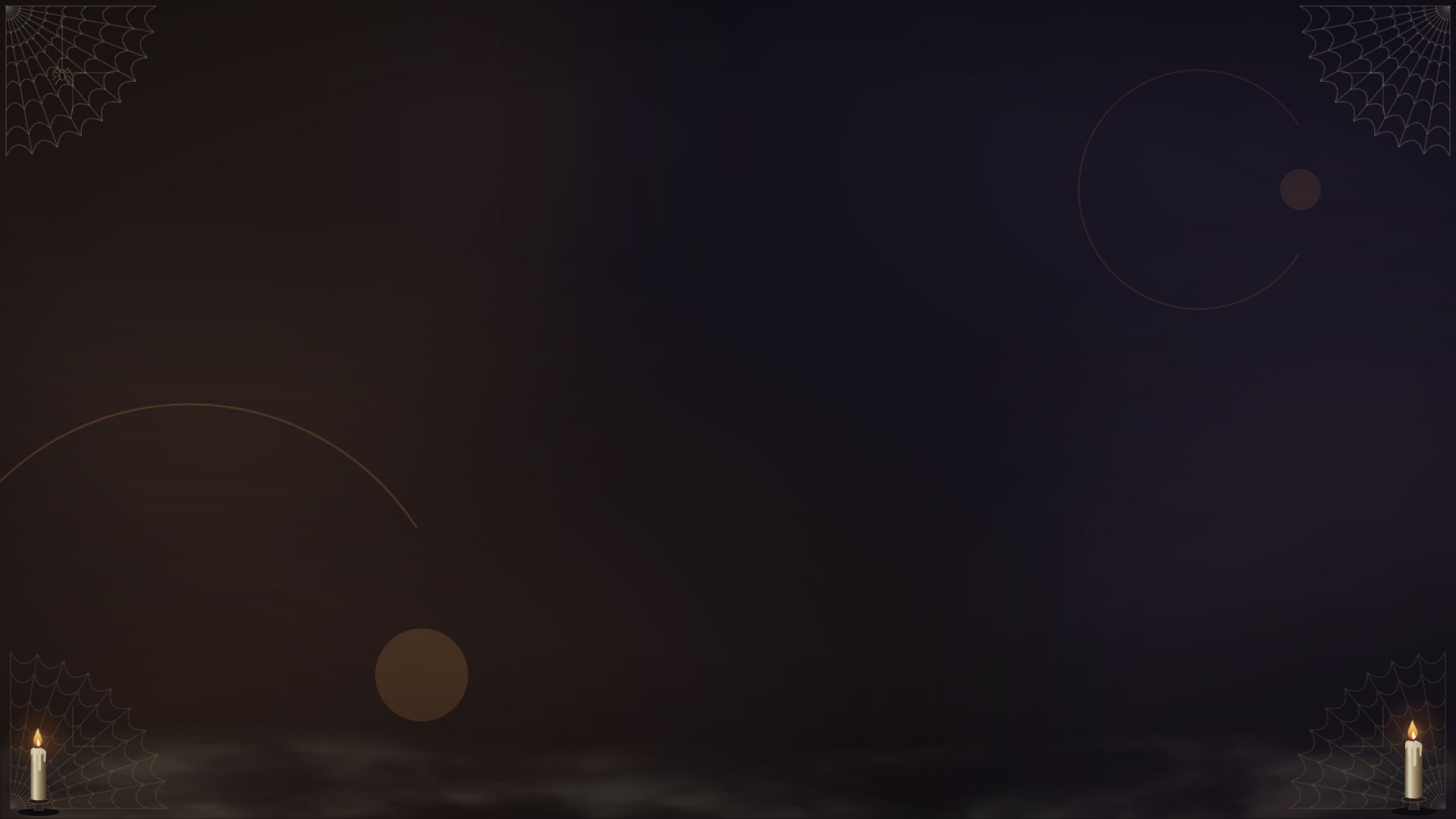
HALLOWEEN / DESKTOP
After Dark
The wallpaper from our Halloween OBS setup. Copper, candlelight, cobwebs, and a lingering veil of smoke.
1920 × 1080 / 16:9
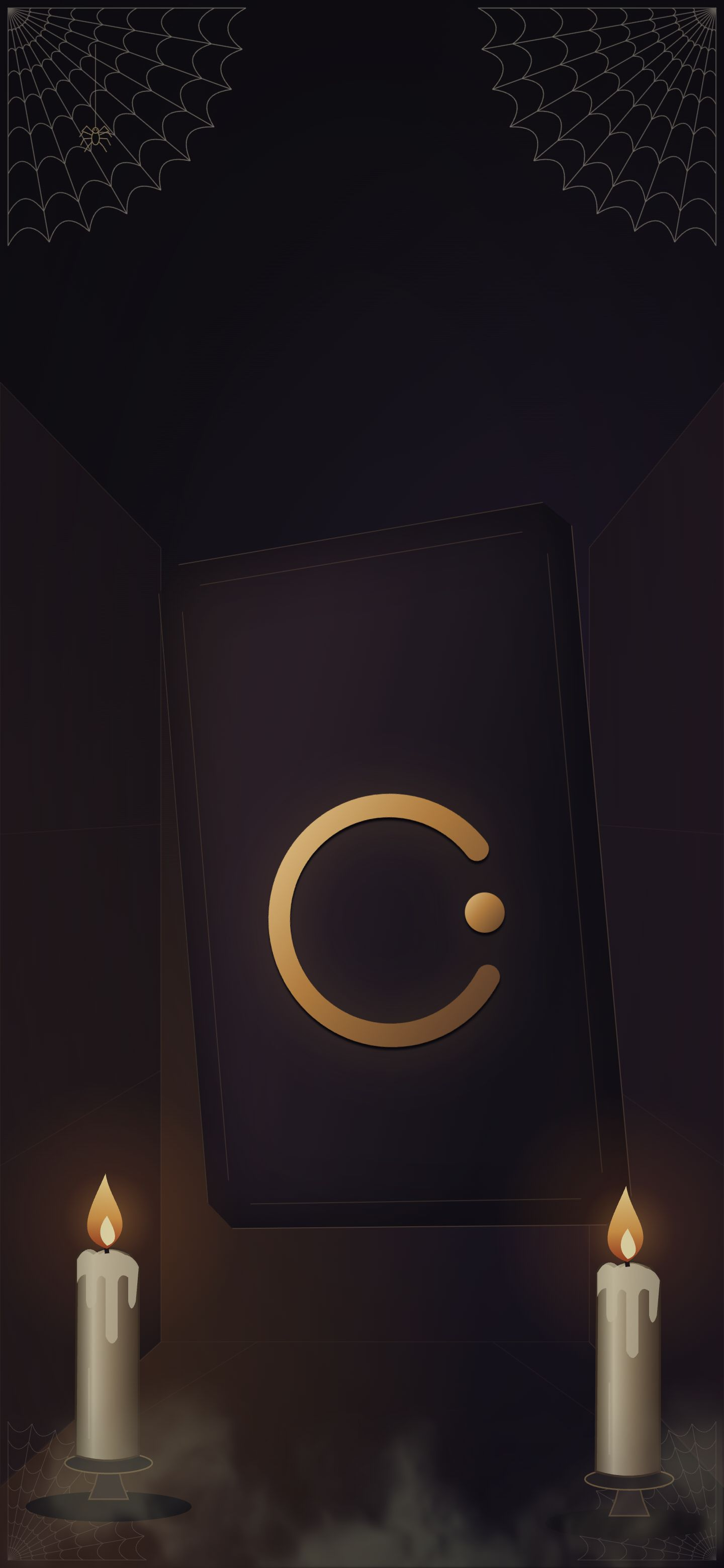
HALLOWEEN / PHONE
The Haunted Perspective
An angled vault behind foreground candles and webs. A portrait composition with room for your clock and depth data in the iPhone HEIC.

1440 × 3120 / HEIC + PNG
Save the HEIC to Photos, then choose it in Wallpaper settings. If offered, enable Depth Effect or Spatial Scene. Setup guide ↓
The Midnight collection
Fine drafting lines. A quieter screen. The defining curve, drawn for your desktop and your pocket.
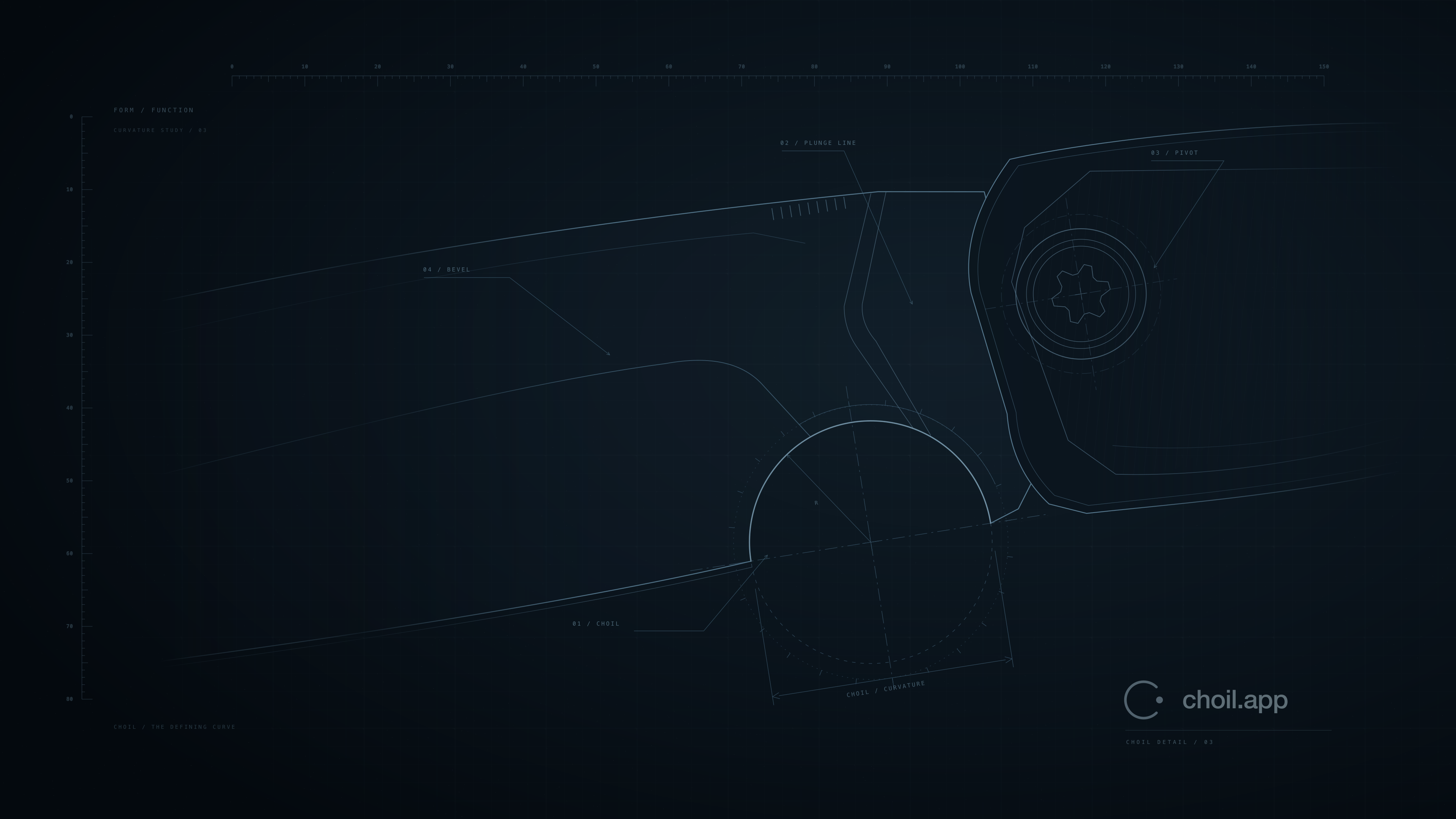
01 / DESKTOP
The Defining Curve
Near-black navy, oversized geometry, and quiet space for your desktop. Full-resolution PNGs.
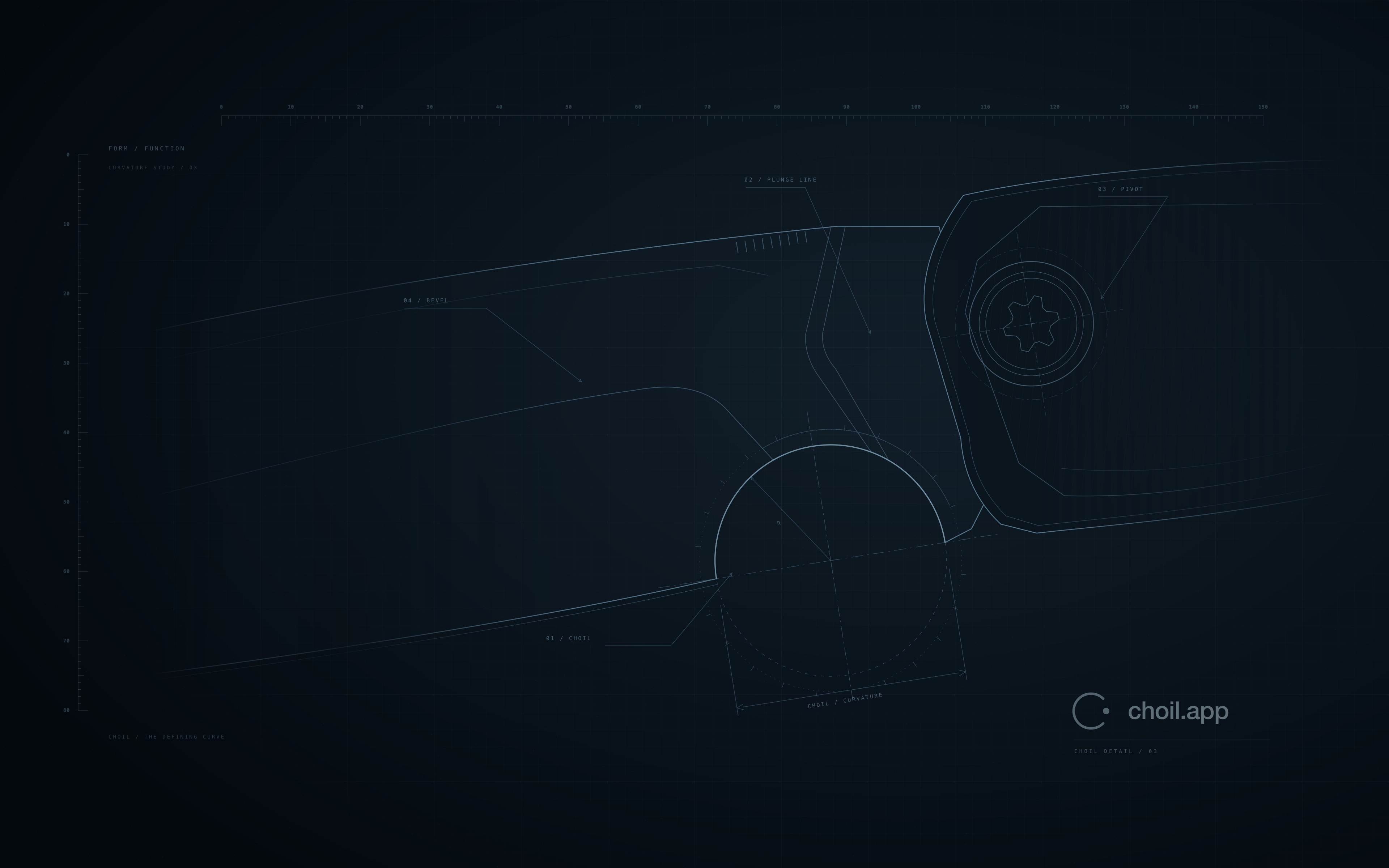
3840 × 2160 / 3840 × 2400
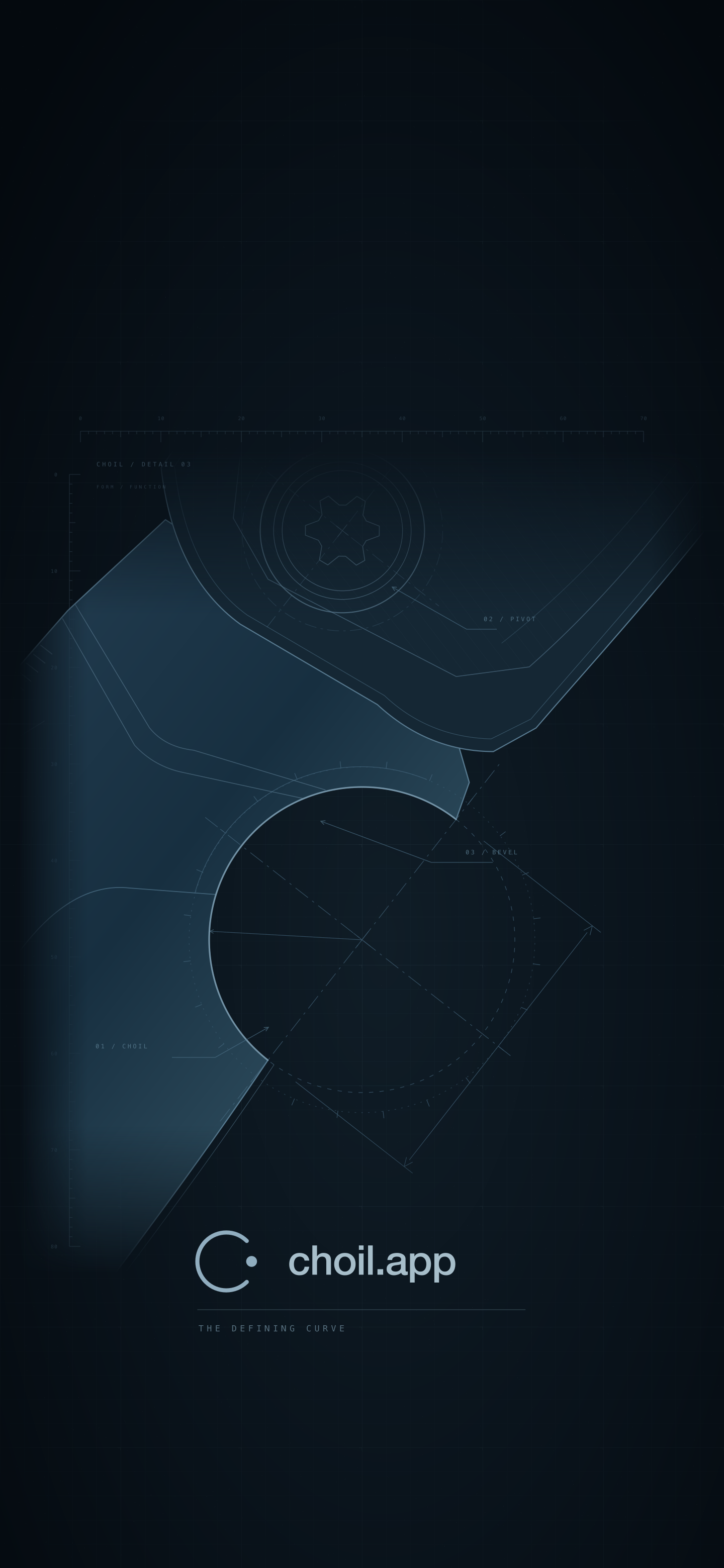
02 / IPHONE
The Depth Edition
A distinct knife foreground, a brighter CHOIL mark, and room for the clock. The HEIC includes an embedded depth map.

1440 × 3120 / HEIC + PNG
Depth data is included, but iOS decides whether Depth Effect or Spatial Scene is available. These Lock Screen effects have not been verified for this artwork. Setup guide ↓
ON YOUR IPHONE
Add a little depth.
- Download the HEIC to keep the depth data. Open the downloaded file, then use Share → Save Image to add it to Photos. The PNG works as a regular wallpaper on other devices.
- Open Settings → Wallpaper → Add New Wallpaper → Photos and choose the image.
- If offered, enable Spatial Scene for the 3D tilt effect. For layering with the clock, use Depth Effect in the wallpaper controls or the More (…) menu.
- Adjust the crop, then tap Add. For clock overlap, position the subject near the bottom of the time.
Spatial Scene requires a supported iPhone and iOS version; Apple documents support on iPhone 12 or later with iOS 26. The moving effect appears on the Lock Screen. If an effect is unavailable, the image still works as a static wallpaper.
Apple’s Spatial Scene guide ↗/Depth Effect and Lock Screen settings ↗